 Artist-friendly desktop app
C4D render → AI motion
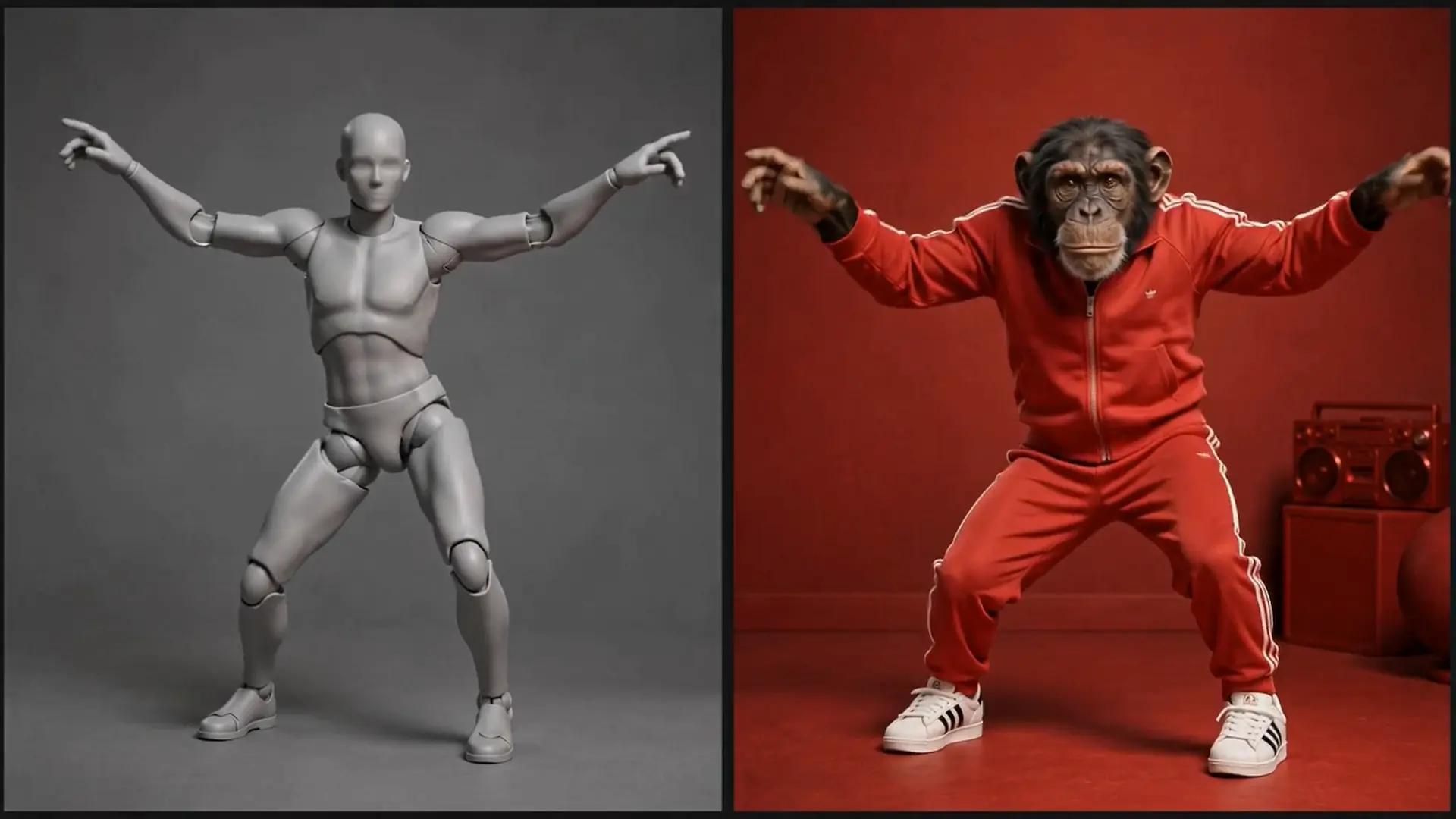
Take a clay or viewport render out of your fav 3D app and drive a video model for instant enhancement or experimentation.
The free artist-friendly desktop app that simplifies and unifies Ai tools to enhance your workflow. No extra subscriptions — pay only for the models you use — at the lowest possible prices.
Requires a free or paid account
How it works
Ai Studio is a node-based alternative to Higgsfield, Magnific, and the rest — image, video, audio, and 3D generation on one canvas, backed by a full asset library, running on the top models at provider prices instead of platform markup.

Install Ai Studio and sign in with your CG Shortcuts account. No subscription to start — just the app.

Paste in your keys locally and securely, and every run bills the provider directly — no markup.

Drop a prompt or generator, check the cost, and run. Swap, tweak, rerun — the workflow's still there next time.

See it in action
A quick overview of how Ai Studio works, how to get it set up, and how you can start experimenting with AI in your own workflow
Members only
A full walkthrough of how I use AI across my Cinema 4D workflow — from 3D modelling and textures to visual effects, animation and post-production.
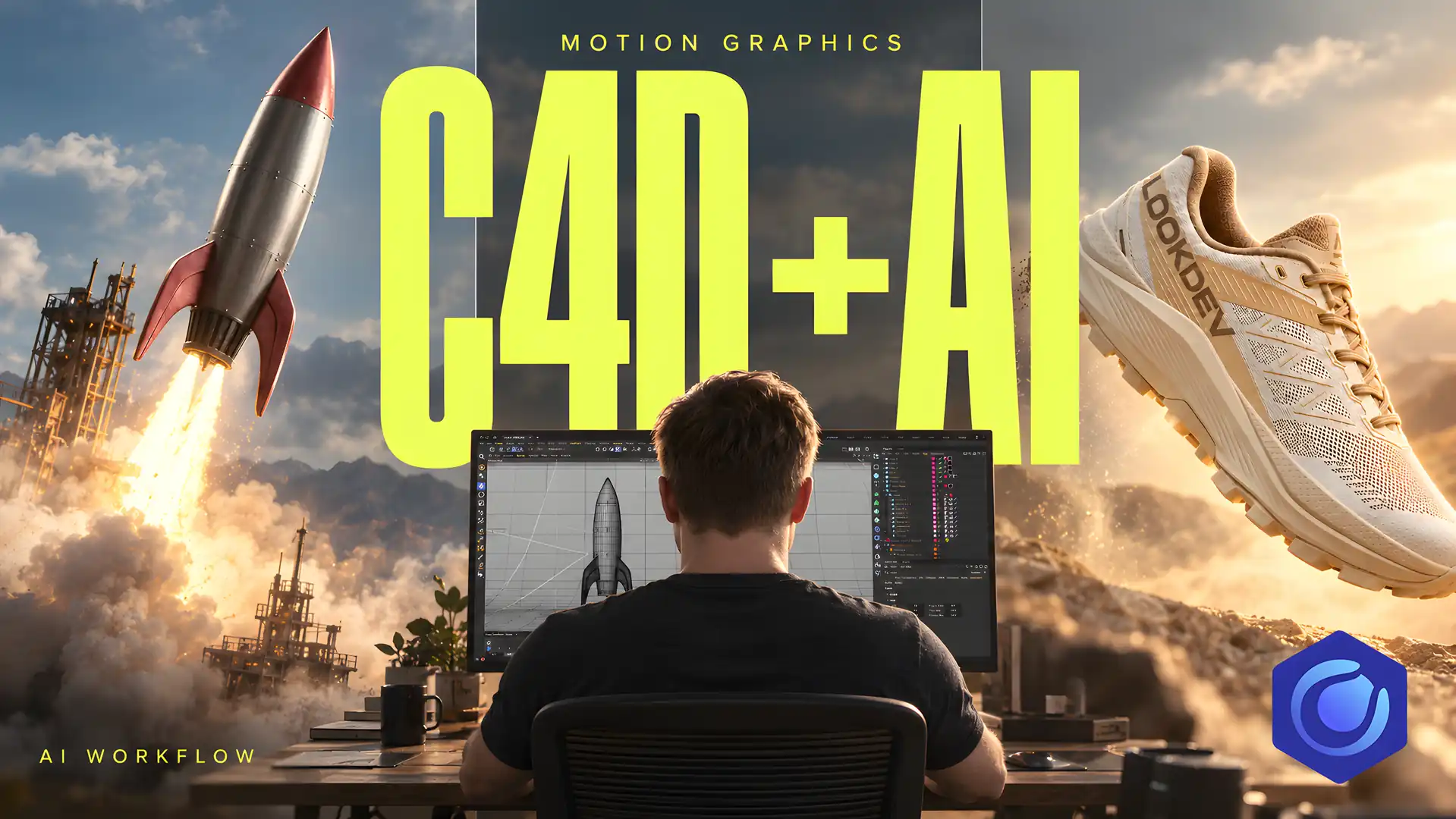
This tutorial is part of the members-only library. Join to watch the full walkthrough — plus every project file, course and new release.
Unlock with Pro MembershipAlready a member? Sign inUse cases
Start experimenting with Ai to speed up your motion graphics workflow — image, video, audio, and 3D, all inside the Windows app.
Take a clay or viewport render out of your fav 3D app and drive a video model for instant enhancement or experimentation.
Generate concepts, seamless textures, and decals that drop straight into Cinema 4D — then upscale or knock out backgrounds.

Spin up fully textured 3D models for look-dev or final production to speed up your asset creation pipeline.
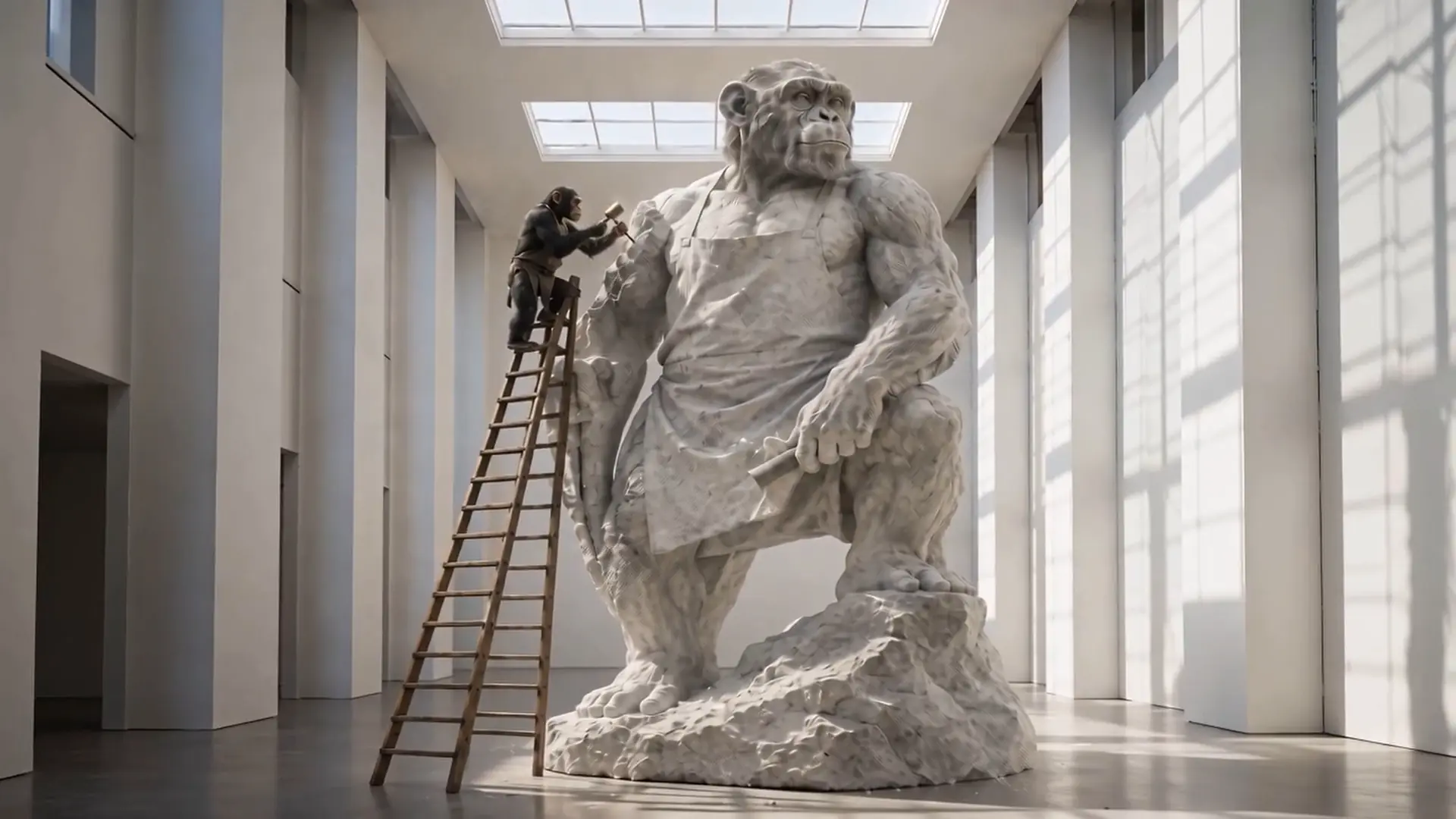
Turn a rough idea into a full moodboard in minutes — generate concepts, ideas, and inspiration before you touch Cinema 4D.
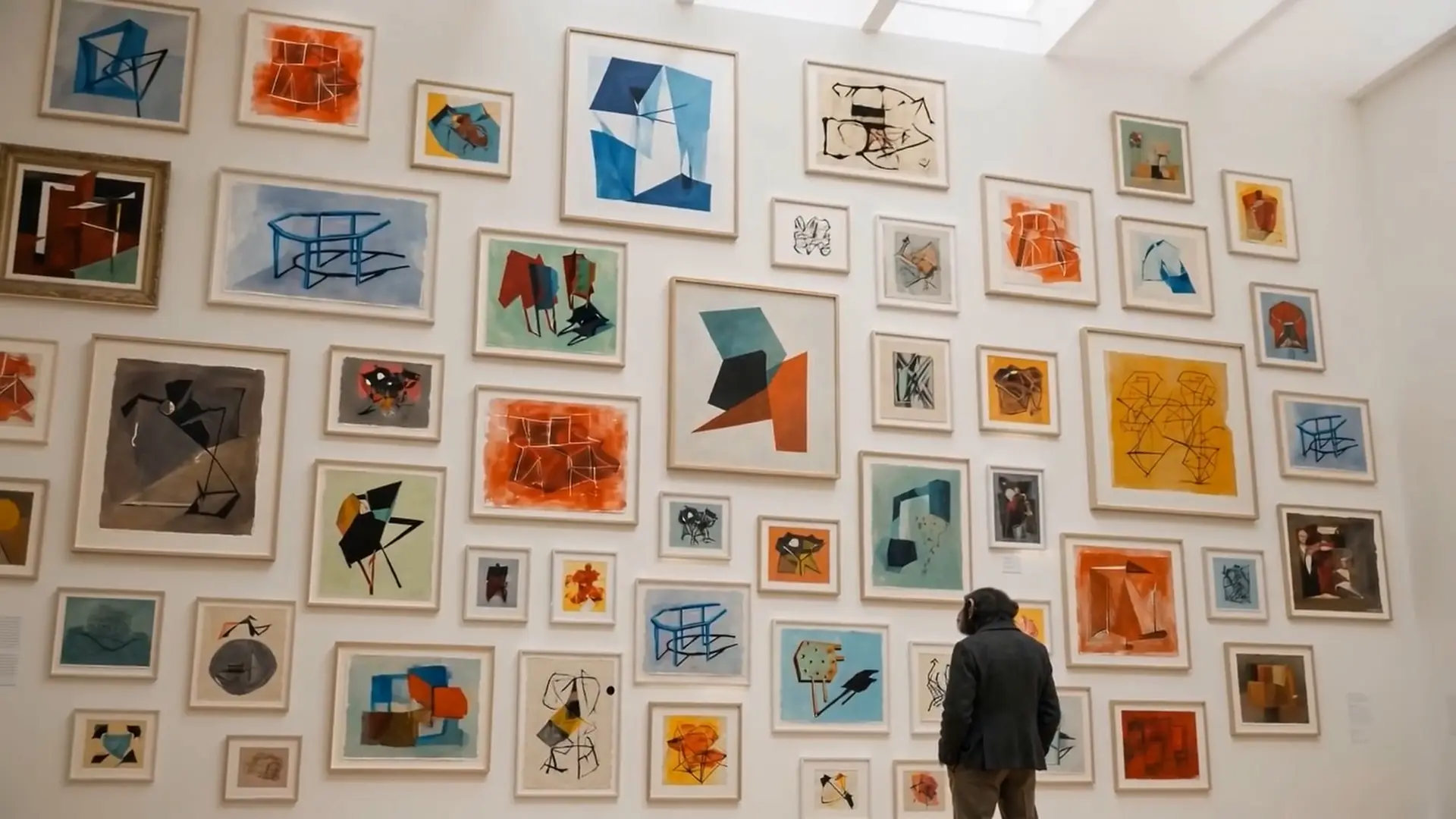
Block out shots and camera moves fast. Generate storyboard frames and previs sequences to lock down your edit before you render.

Add voiceovers, sound effects, and full music tracks to your videos — score and mix a project without leaving the app.

Push renders and footage to higher resolution, extend clips beyond their original length, or replace elements — all without re-rendering from scratch.

Access all your favorite AI models with no monthly subscription — pay-as-you-go pricing at a fraction of what aggregator platforms charge.

Compare pricing
Why pay more for the same AI models? Ai Studio uses low-cost provider routing to keep generation prices as low as possible.
We shop the AI providers so you don't have to.
Ai Studio sources models through competitively priced providers, giving you one workflow without the typical all-in-one platform markup.
| Model | Ai Studio |  Higgsfield Higgsfield |  Figma Weave Figma Weave |  Magnific Magnific |  Runway Runway | Savings |
|---|---|---|---|---|---|---|
GPT Image 22K HighImage | Lowest$0.018 | $0.35 | ~$0.17 | ~$0.25 | $0.20 | Save up to 95% |
Nano Banana Pro2KImage | Lowest$0.025 | ~$0.15 | ~$0.10 | — | $0.20 | Save up to 88% |
Kling 35s 720pVideo | Lowest$0.14 | ~$0.50 | ~$0.83 | ~$0.70 | $0.45 | Save up to 83% |
MiniMax H35s 768pVideo | Lowest$0.25 | ~$0.55 | ~$0.80 | ~$0.70 | $0.50 | Save up to 69% |
Seedance 25s 720pVideo | Lowest$0.61 | $1.15 | $1.52 | $0.88 | $1.44 | Save up to 60% |
Pricing compared using equivalent generation settings where available. "~" indicates an approximate price where platforms use credits or subscription-based pricing. Platform prices can change. Prices checked August 2026. No affiliation with the platforms shown.
Your keys. Your files
Subscription platforms raise prices, drop models, and change the rules. Ai Studio connects to the providers you pick and bills you at their rates — no CG Shortcuts markup on generations.
Bring API keys for fal and other supported providers. Keys stay on your PC — encrypted in the local store / OS keyring.
CG Shortcuts doesn’t add a cut on model calls. What a run costs is what the provider charges.
Download with a free CG Shortcuts account (Generate). Paid unlocks full workflows, templates, and extra providers.
Media and workflows live on disk. When you run a cloud model, Ai Studio calls the provider you set up — not a CG Shortcuts server.
Latest models
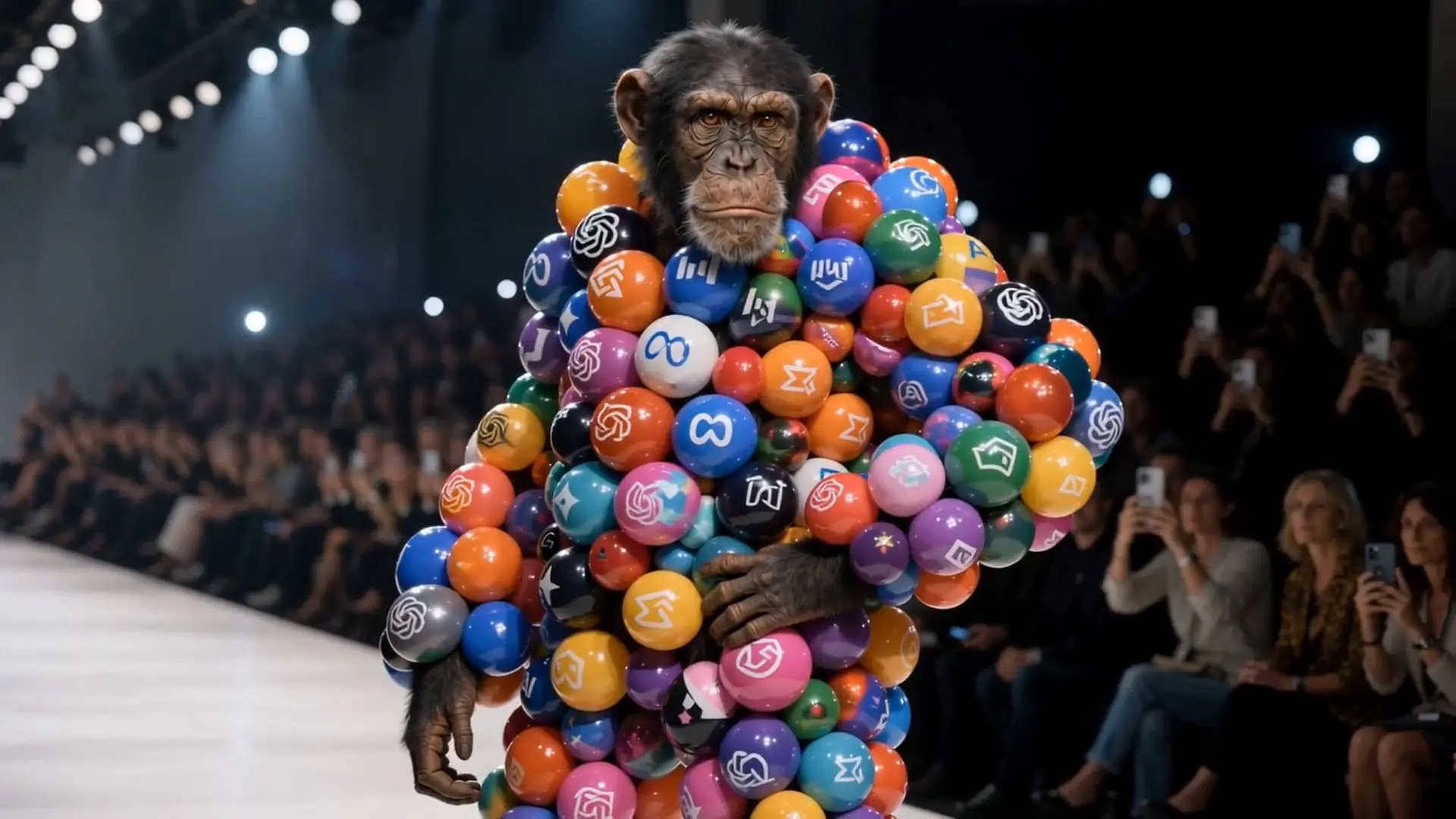
Leading image, video, audio, and 3D models from major providers — catalogs sync into the app so new names show up as they ship.
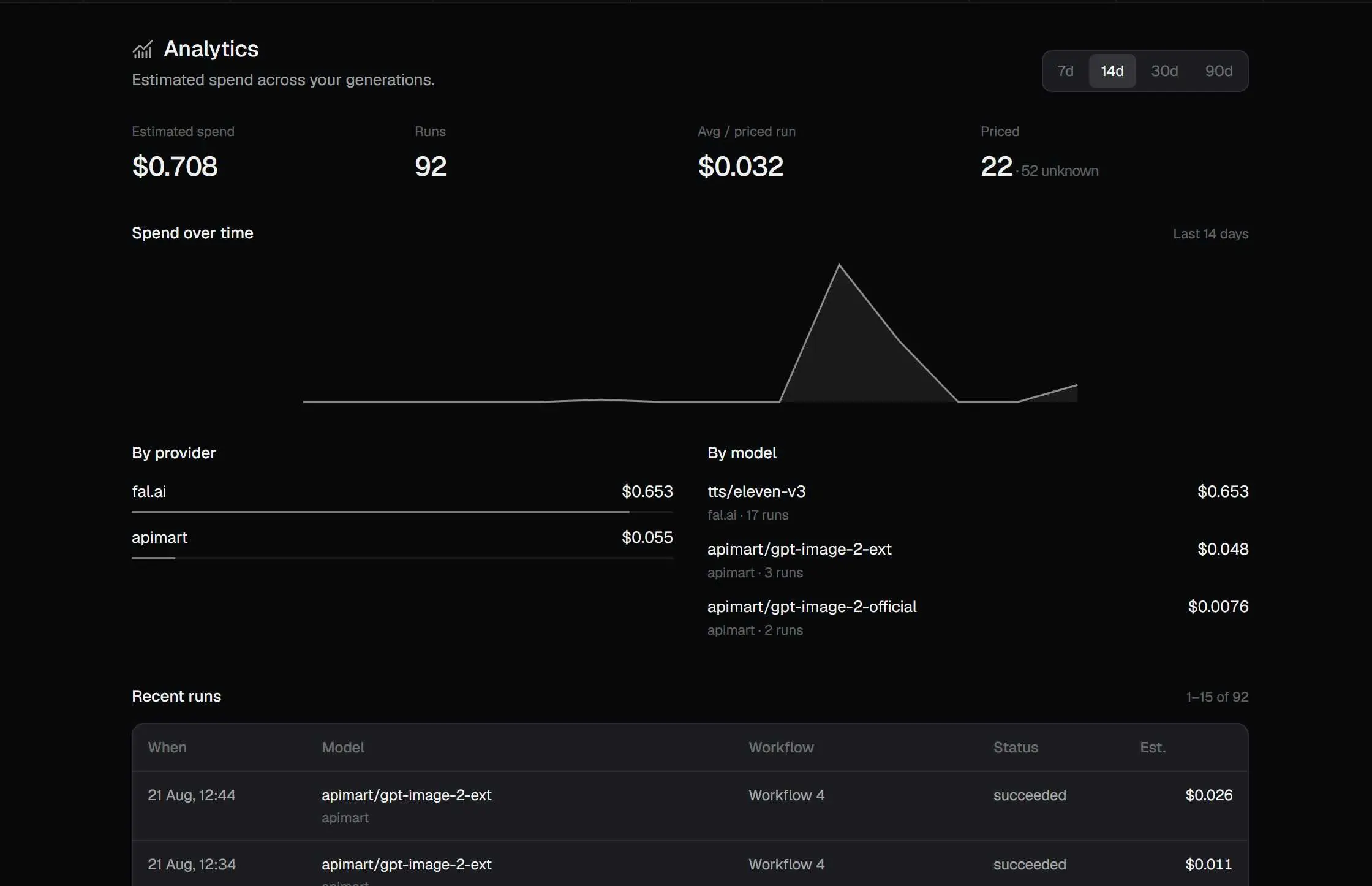
Cost transparency
Pre-run estimates and spend analytics help you stay on budget — because you use your own keys, these are the amounts providers actually bill.
Check the price of a generation before you commit credits.
You pay providers directly with prepaid credits as and when you need them - we dont charge anything on top.
Compare the cheapest model providers from the curated leaderboard so you always get the best price.
One canvas
An unlimited canvas for unlimited ideas. Drop in image, video, audio, and 3D nodes, wire them together however you like, and let your workflow take shape.
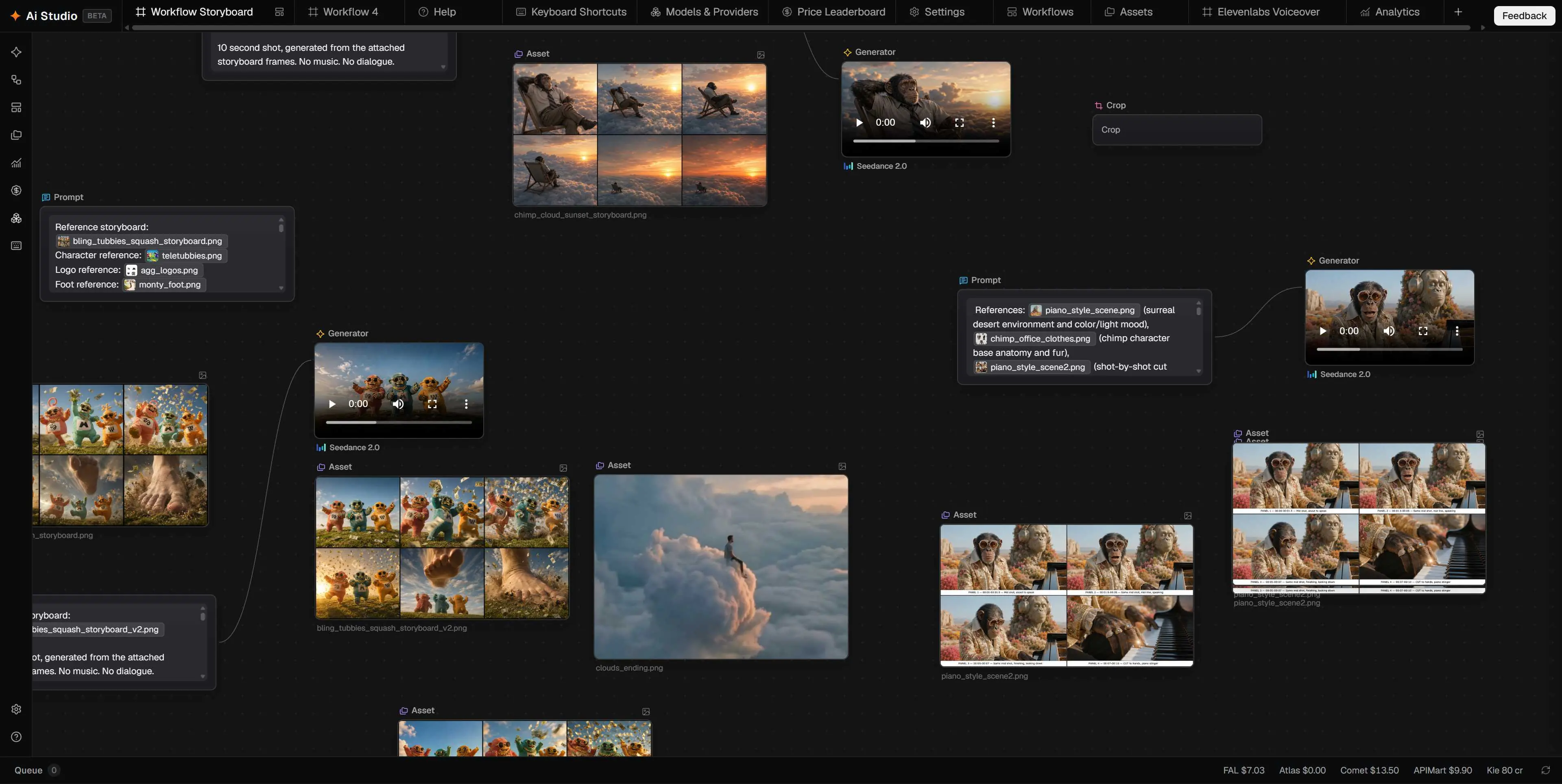
Text with variables and @ mentions, plus reference media from disk or your Gallery.
Pick category and model, fill schema-driven params, and see results inline.
Fan out across items when you need variations without rebuilding the graph.
Crop, upscale, and background remove — then Export to mp4, webm, gif, or image.
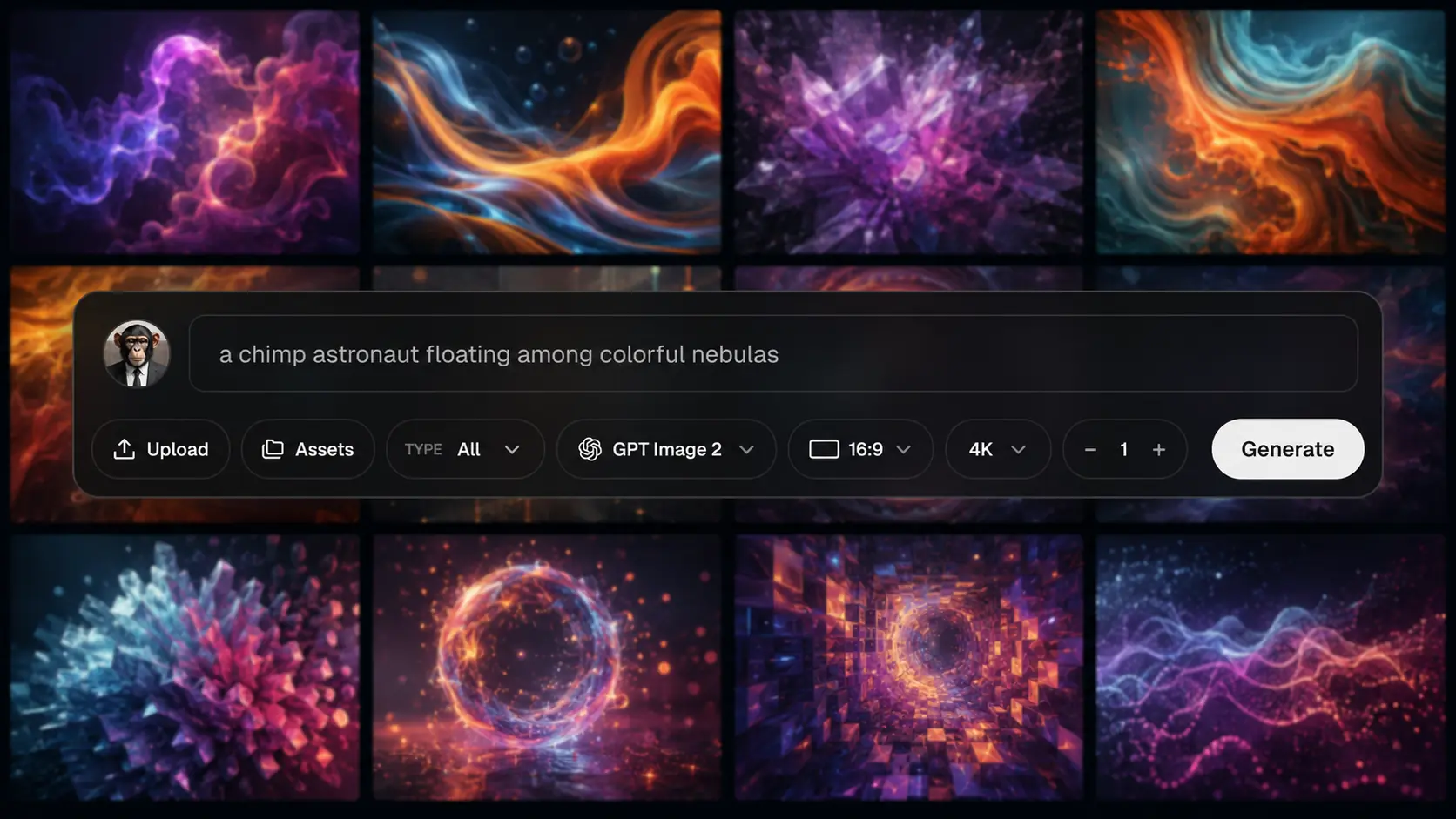
If nodes or the canvas based workflow isnt your bag, you can generate the old fashioned way (like Higgsfield).
Get a result fast without wiring nodes.
Uses the same provider catalogs as the node graph.
Every generation lands in your library for reuse.
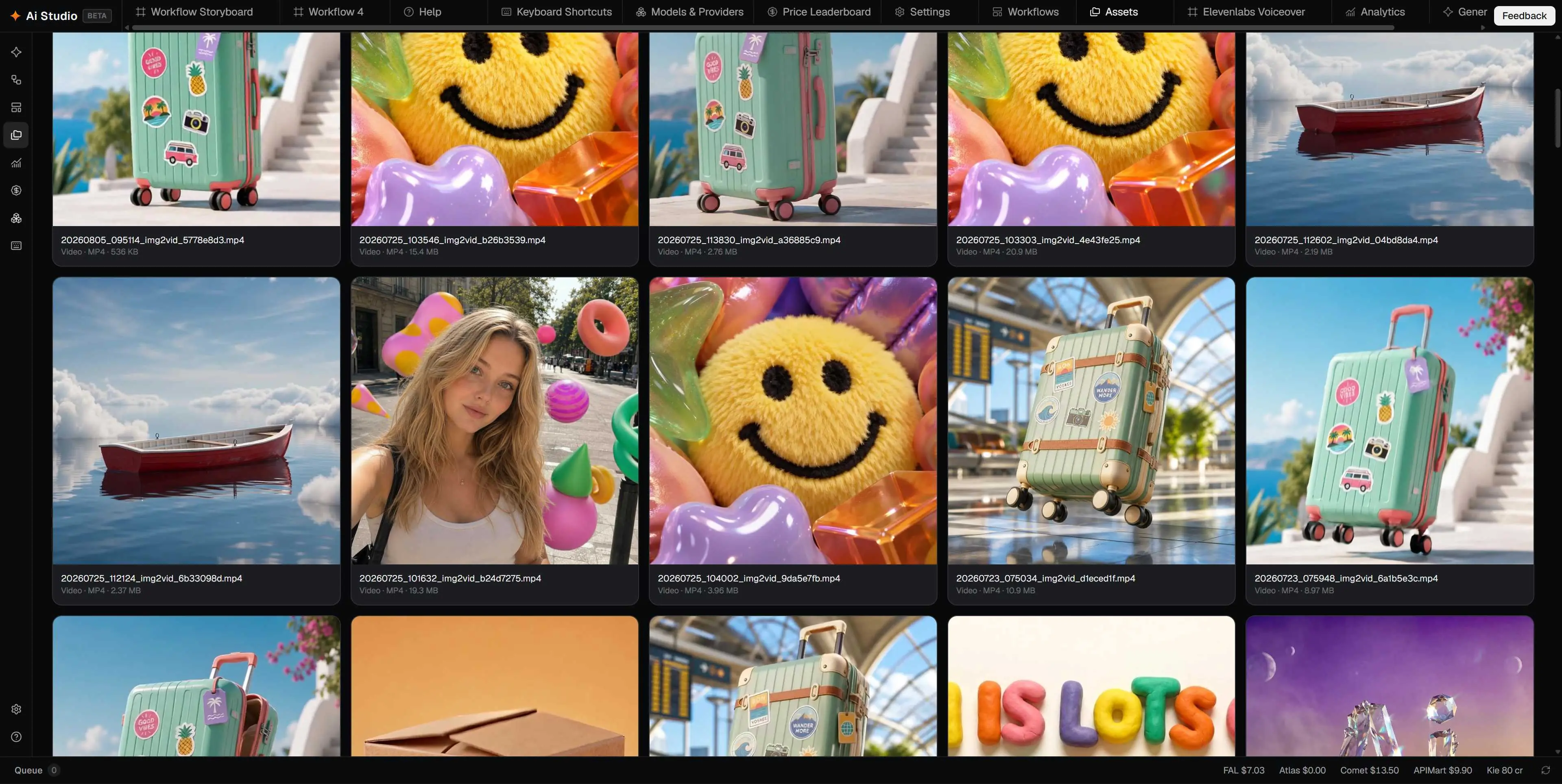
Browse generations and imports, star favourites, open files on disk, and drag references onto the canvas.
Drag and drop. Filter by type, model, or favourites.
Built-in preview for images, video, audio, and 3D.
Point any node at a file or pull from the Reference Library.
Multi-tab canvases, templates, and sticky notes — keep the graph that produced the piece, not just the export.
Reopen yesterday’s graph and keep working.
Save a workflow as a starting point for the next project.
Sticky notes on the canvas so you remember why a node exists.

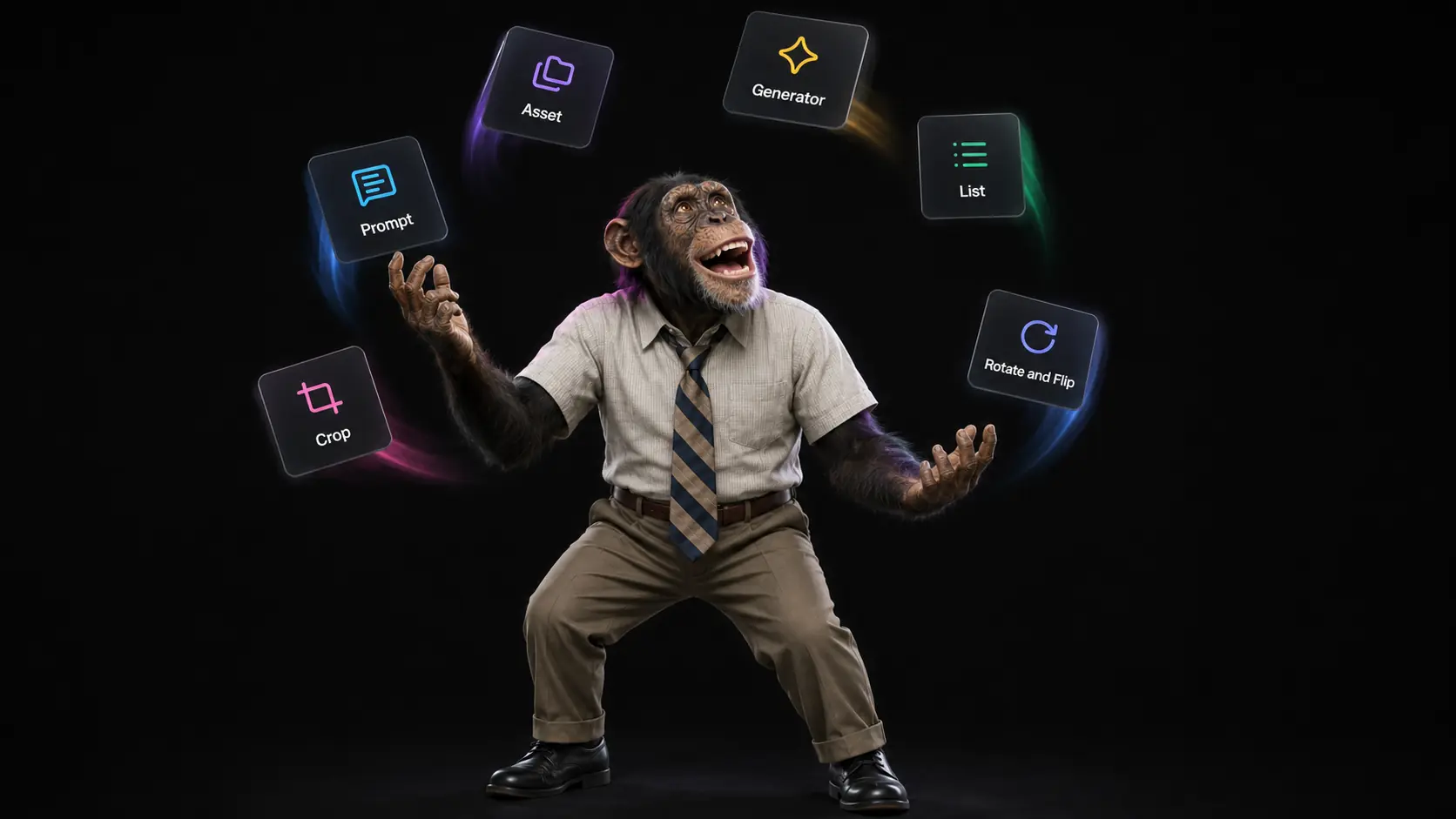
Crop, upscale, and background remove without bouncing to another app — then export the finished file.
Trim the generation to the aspect you need.
Push resolution when the still or frame needs it.
Knock out backgrounds for decals and compositing.
Send clips and stills out as mp4, webm, gif, or image — ready for Cinema 4D, After Effects, or delivery.
mp4, webm, gif, and still image exports.
Files stay local — open them straight from the Gallery.
Pull frames or shots from video when you need stills back.

Short clips from the same models members use — Seedance, Kling, and more.
To be clear — I'm not telling anyone to abandon Cinema 4D or switch to an all-AI workflow. That's not the point. But AI is improving fast, and there are genuinely useful applications for it within a motion graphics pipeline — think quick texture and material generation, storyboarding, concept exploration, even SFX and music. In an industry that's always been shaped by new tech, I think it's worth understanding what these tools can actually do, even if you decide not to use them day-to-day. Ai Studio just makes that exploration cheap and low-friction, so you can try things out and see what's actually useful for your own workflow — no pressure either way.
Ai Studio is a Windows desktop app from CG Shortcuts: a node-based canvas for image, video, audio, and 3D AI. You bring your own provider keys, pay list prices for cloud generations, and keep files and keys on your machine.
No. You can download with a free or paid CG Shortcuts account. Free accounts can use Generate (with limited providers). Paid membership unlocks full node workflows, templates, extra providers, and the price leaderboard.
Cloud generations bill the provider you configured at their rates — CG Shortcuts does not add a markup. Create a fal.ai (or other provider) account, add prepaid credits if you prefer hard caps, and paste your key in the app.
Yes for local data: workflows, media, and API keys stay on your PC. Hosted generations are sent directly to the provider you configured — CG Shortcuts does not sit in the middle or add a billing layer.
Highlights include Seedance, Kling, Veo, FLUX, Nano Banana, GPT Image, plus audio and 3D models via supported providers. Catalogs sync into the app so new models show up as providers ship them.
No — for now all models run in the cloud and bill the provider you configure. A GPU only matters if you choose to run local models. I may add free open-source models that can run on your machine later, but right now everything is paid cloud generation.
Download Ai Studio for Windows, wire a node graph or use Generate, and come back to the same setup when the brief changes. Free or paid CG Shortcuts account required.
Latest version v1.2.0 · SHA-256 75D7F7CDCF08…