LEARN
Library
Apps & Plugins
SUPPORT
RESOURCES
© 2026 CG Shortcuts · All rights reserved.AboutRefund PolicyTerms of ServicePrivacy PolicyFeedback
YouTubePatreonFacebookFB GroupInstagramX
Back to Collections

Materials PRO

11 items · 1h 21m

Speed up your Cinema 4D texturing and material workflows with these handy tips and tricks - PRO Collections are curated sets of content focused on specific workflows within Cinema 4D - so you can quickly learn the tools and approaches that matter most.

Unlock Everything On The Site!

Get all tutorials, courses, lessons, collections, downloadable assets, and more — plus priority help and support.

Unlock with Pro Membership — from $29/mo
★★★★★ 4.8/5 on Trustpilot — Read my Reviews
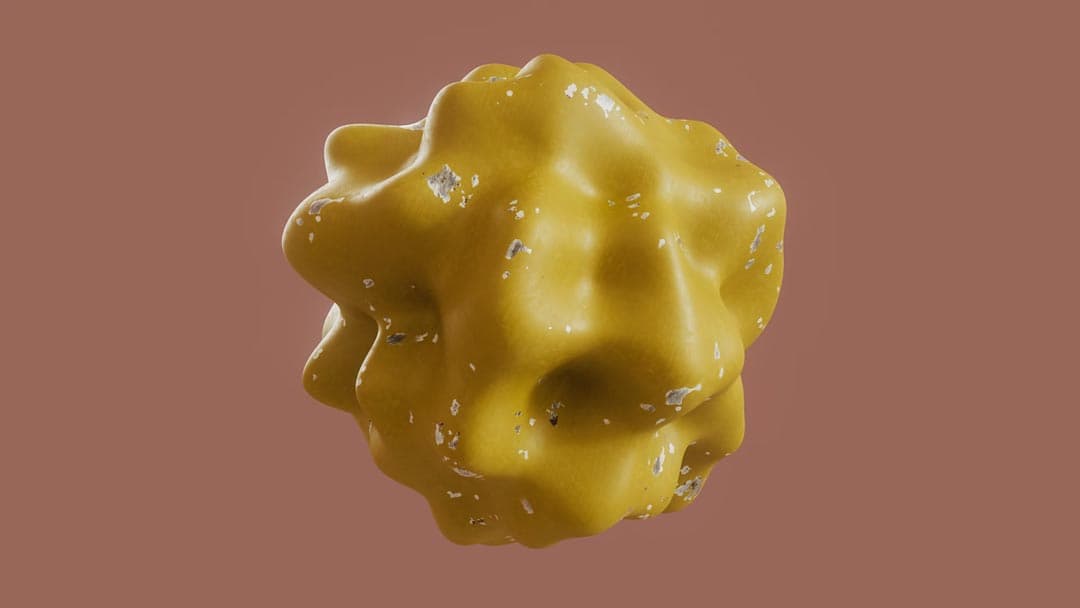
Add Variation to Redshift Materials

Add variation to Redshift materials by adjusting scale, offset, rotation, and color using the Color User Data Node.

10m · Intermediate

TutorialsCinema 4DRedshift

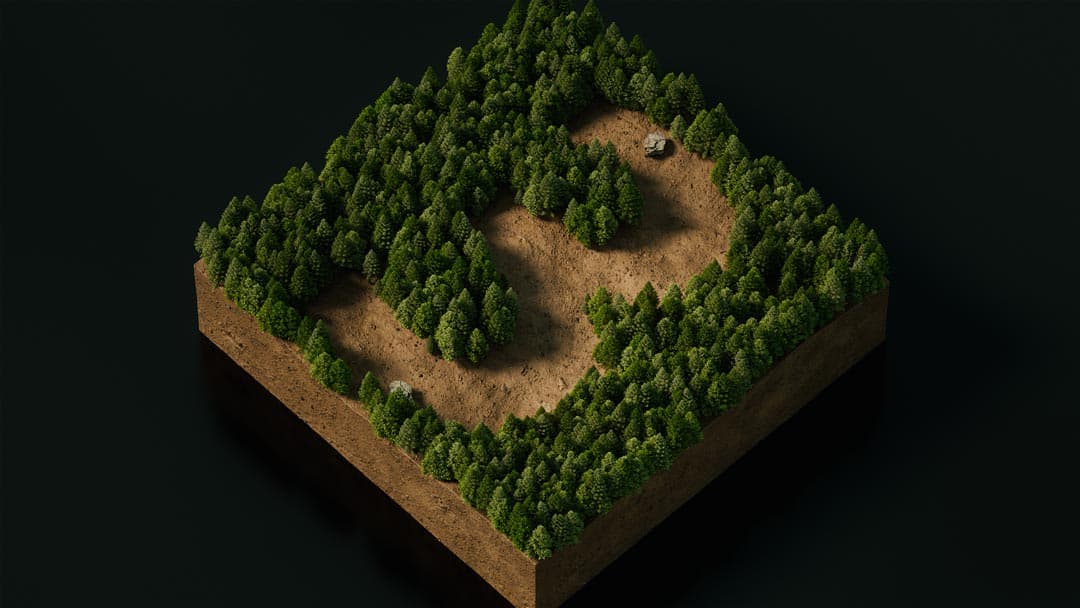
Landscape Material Tips

Discover three essential tips for creating efficient and realistic landscape materials in Cinema 4D with Redshift, focusing on plants and trees.

10m · Intermediate

TutorialsCinema 4DRedshift

Project a Gradient Across Objects in C4D

Discover how to project a vibrant gradient smoothly across multiple objects in Cinema 4D for stunning scene-wide color effects.

3m · Intermediate

TutorialsCinema 4DRedshift

Fix Triplanar Texture Slipping in Redshift

Fix triplanar texture slipping in Redshift by using techniques that stabilize texture projection during animation.

1m · Intermediate

TutorialsCinema 4DRedshift

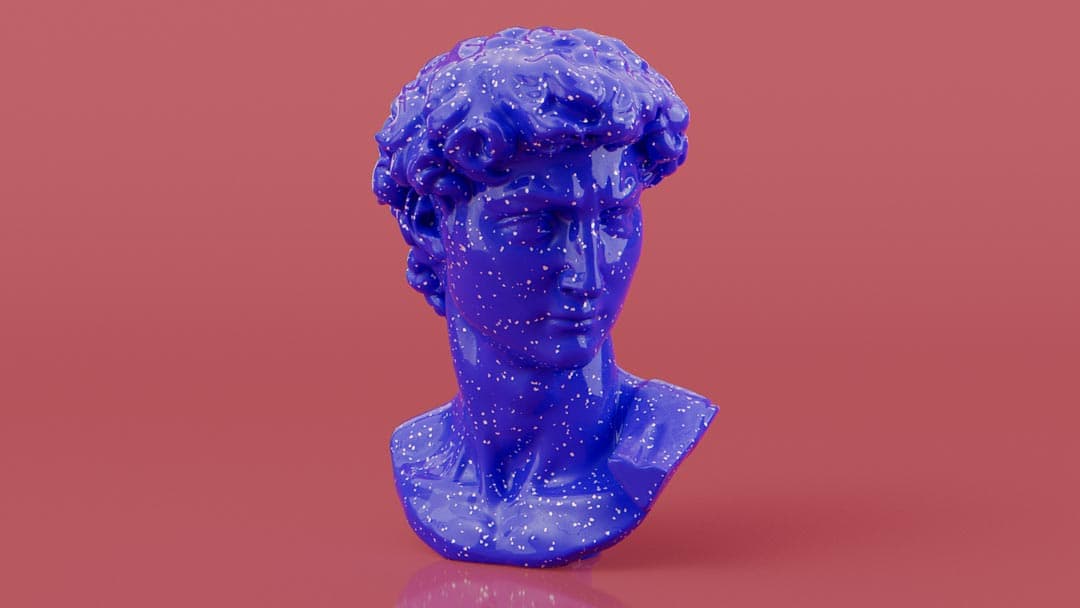
Redshift Speckled or Terrazo Material

Create realistic speckled or terrazzo materials in Redshift using procedural noise.

6m · Beginner

TutorialsCinema 4DRedshift

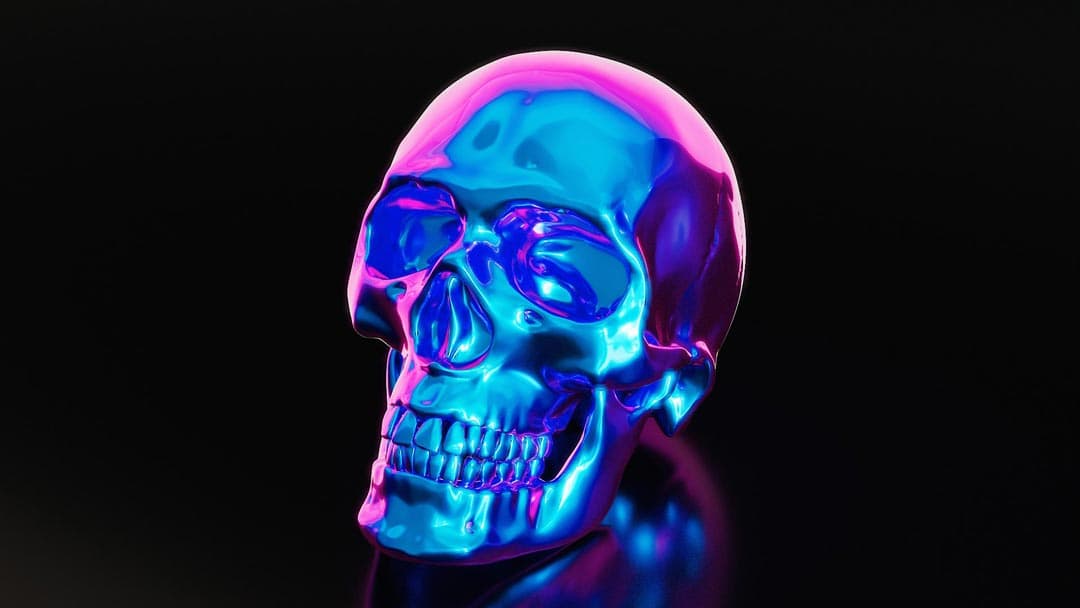
Redshift Iridescent Materials

Create iridescent materials in Redshift using three different techniques for varied color-shifting effects.

9m · Intermediate

TutorialsCinema 4DRedshift

Multiple Textures – One Shader (Multishader)

Use the Multishader material in Redshift to apply multiple textures within a single shader for versatile effects.

7m · Intermediate

TutorialsCinema 4DRedshift

Stickers or Decals in Redshift

Create realistic stickers or decals in Cinema 4D and Redshift using material blending.

8m · Intermediate

TutorialsCinema 4DRedshift

Create A Growing Material Transition in C4D

Learn how to create an organic growing material transition effect between two materials in Cinema 4D.

6m · Beginner

TutorialsCinema 4DRedshift

Creating Labels With Multiple Materials in C4D

Learn how to project labels with multiple materials onto bottles easily in Cinema 4D for professional product and brand renders.

7m · Intermediate

TutorialsCinema 4DRedshift

How to Randomize Text Across Clones in Cinema 4D

Learn two powerful techniques for randomizing text in Cinema 4D using MoText with Python scripting and texture-based workflows with MultiShader. In this tutorial, you’ll explore two different approaches to creating randomized text in Cinema 4D. The first method uses MoText objects combined with a simple Python script to assign unique words across cloned objects, perfect for animated text grids and procedural setups. The second, more advanced technique replaces text objects with texture maps generated from a CSV file using an external Python tool, allowing you to control both text and color variation across objects. You’ll also learn how to use legacy tools like the MultiShader and Jitter node to distribute textures randomly, giving you flexible, scalable control over complex scenes like labeled product renders.

9m · Advanced

TutorialsCinema 4DRedshift

Comments (0)

Sign in to comment